Shift scheduling
A schedule your team fills in itself
Models choose their working hours and plan shifts weeks ahead. All you have to do is keep an eye on it.
Step-by-step guide in the documentationTipsyCRM / Shift scheduling
What it does
01
Plan weeks ahead
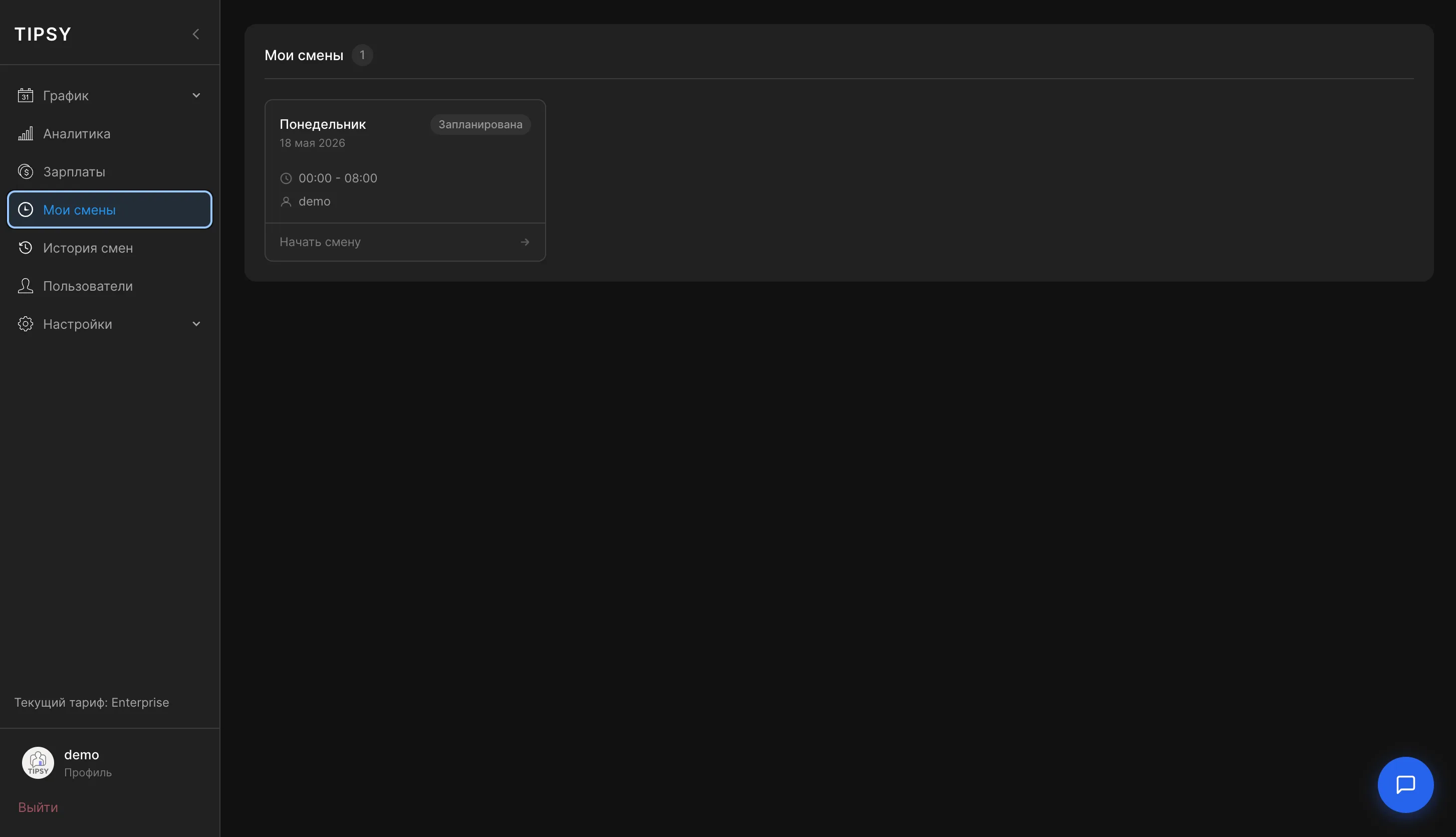
An employee picks days and hours, and the shift appears in the calendar as “Scheduled”.
02
One-click start
Shifts start right from the card — working time and breaks are tracked automatically.
03
Studio working hours
Define allowed time slots in settings so shifts stay within the studio schedule.
04
Shift history
Every past shift with date, start and end time and status — in a single table.
Other features
All featuresReady to run your studio more effectively?
Open the demo or leave a request — we will walk you through launching TipsyCRM in your studio.
Questions? Message our manager on Telegram